



Registration and Verification at TuffPuff Casino for UK Customers
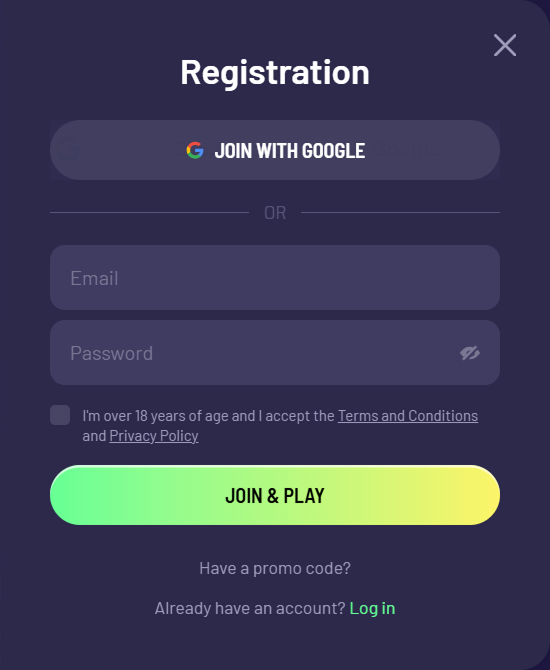
Registering with TuffPuff Casino is a quick, straightforward process that provides access to the full catalogue, cashier functions and promotional programme. The operator favours a fast start, without requesting personal details at the first stage. Only adults aged 18 and over may participate.
Ways to Create an Account
Two main registration methods are available:
- Standard method: enter an email address and create a password.
- Google sign-in: authenticate instantly using an existing account.
Step-by-Step Registration Guide
- Visit the official website.
- Select the account creation button (‘Registrati’ / ‘Sign Up’).
- Enter your email address and password, or select the Google icon.
- Choose the account currency (EUR is selected by default).
- Confirm that you are at least 18 and agree to the terms.
- Follow the link in the email sent to you to activate your account.
Security and Account Recovery
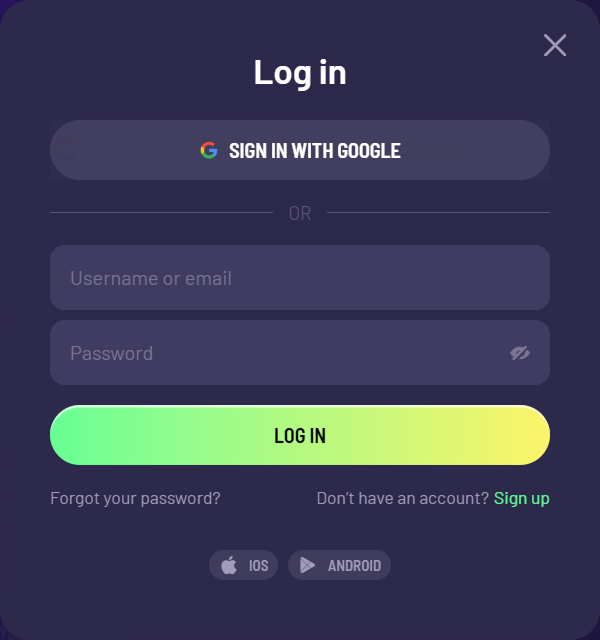
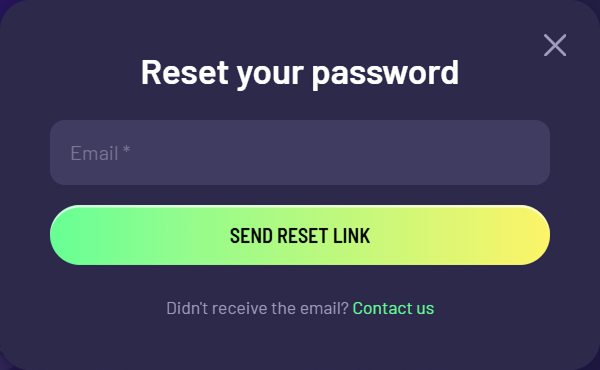
For account protection, it is advisable to enable two-factor authentication (2FA) in the profile settings straight away. If you forget your password, use the ‘Forgot password?’ option; a reset link will be sent to your registered email address.
Identity Verification (KYC)
Identity checks are compulsory before the first withdrawal. To verify an account, upload:
- Proof of identity: a passport or national ID card.
- Proof of address: a utility bill or bank statement issued within the past three months.
- Payment-method screenshot: evidence that you own the card or e-wallet.
Responsible Gambling Tools
TuffPuff Casino promotes responsible gambling. In the account area, customers can set session-time reminders (Reality Check after 60, 90 or 180 minutes), take a temporary break (‘Take a Break’) or request full self-exclusion through customer support.